Most people blame the desk for a bad workday and the chair for a bad back. The chair is the one making the difference. You can put a laptop on a $30 table and feel fine if the seat, height and lumbar support are right — and you can put a standing desk under a bad chair and still finish the day stiff. Here is how to build the setup around the seat, using the chairs in our office chair collection as the reference points.
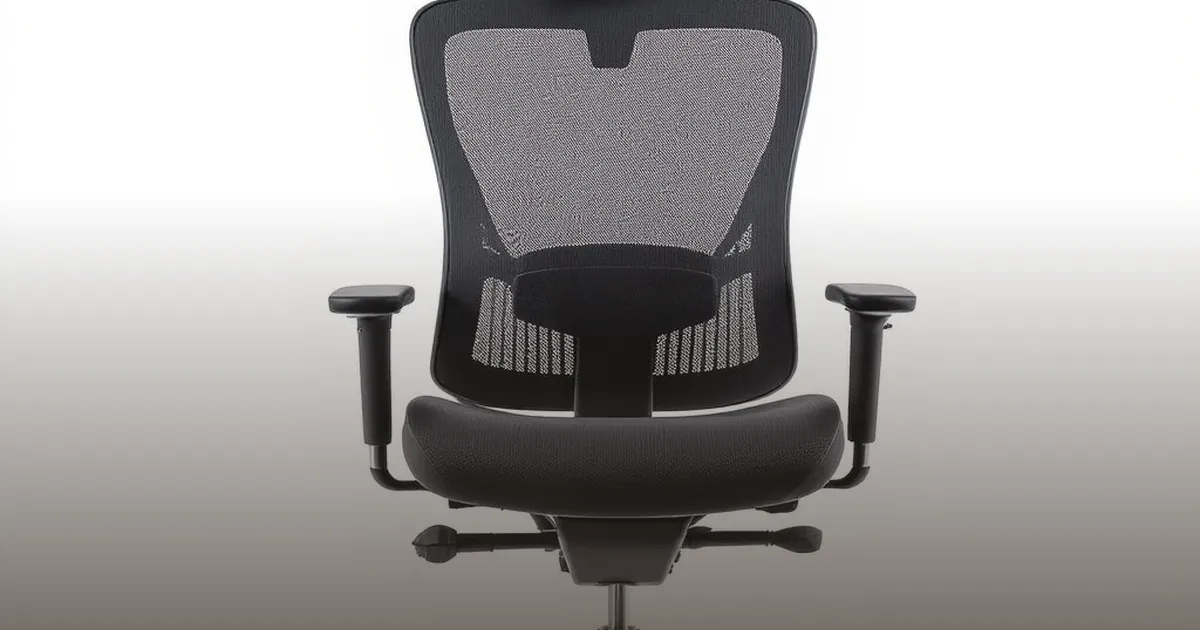
The correct seat height puts your feet flat on the floor, thighs roughly parallel to the ground, and elbows at desk level when your shoulders relax. For most people that is 18 to 22 inches. Every chair we stock adjusts through this range with a gas lift — the mesh swivel task chair from $180 covers it with a simple one-lever adjustment that you will set once and never touch again.
If you are shorter than average and your feet dangle at the lowest setting, a footrest solves it for $20. If you are taller and your knees press the underside of the desk, raise the desk or lower the monitor — never lower the chair below the point where your hips sit higher than your knees.
The lower back has a natural inward curve, and flat chair backs force it flat within an hour. Adjustable lumbar — a pad or band that pushes the curve back into place — is the single feature that separates a chair you can sit in for eight hours from one you can sit in for two. The mesh ergonomic chair at $180 adjusts both the height and depth of its lumbar band; the leather executive chair at $400 builds it into the backrest with a high-back design that also supports the shoulders.
Set it low — most people place lumbar support too high, where it pushes on the rib cage instead of the pelvis. The pad should contact your belt line, not your navel.
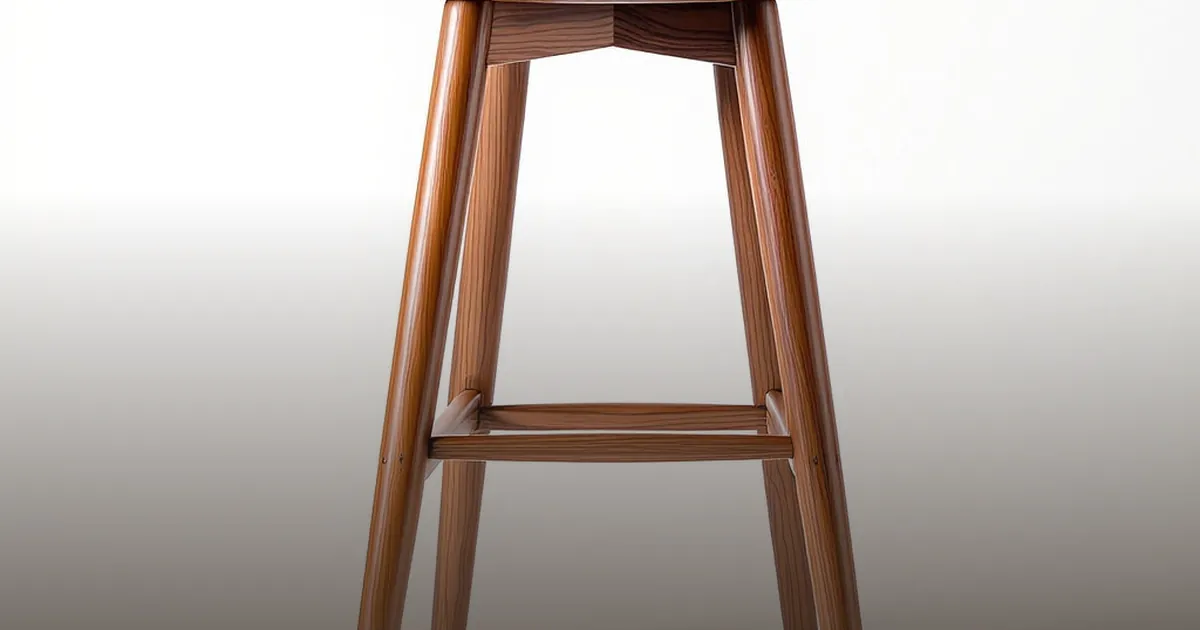
Armrests earn their place only at the right height: elbows bent at 90 degrees, forearms resting lightly, shoulders never hunched. If the armrests force your shoulders up or block you from pulling the chair in close to the desk, lower them or remove them. Backless designs — like the drafting-style vintage drafting chair at $180 — skip the question entirely and pair well with standing desks at perch height.
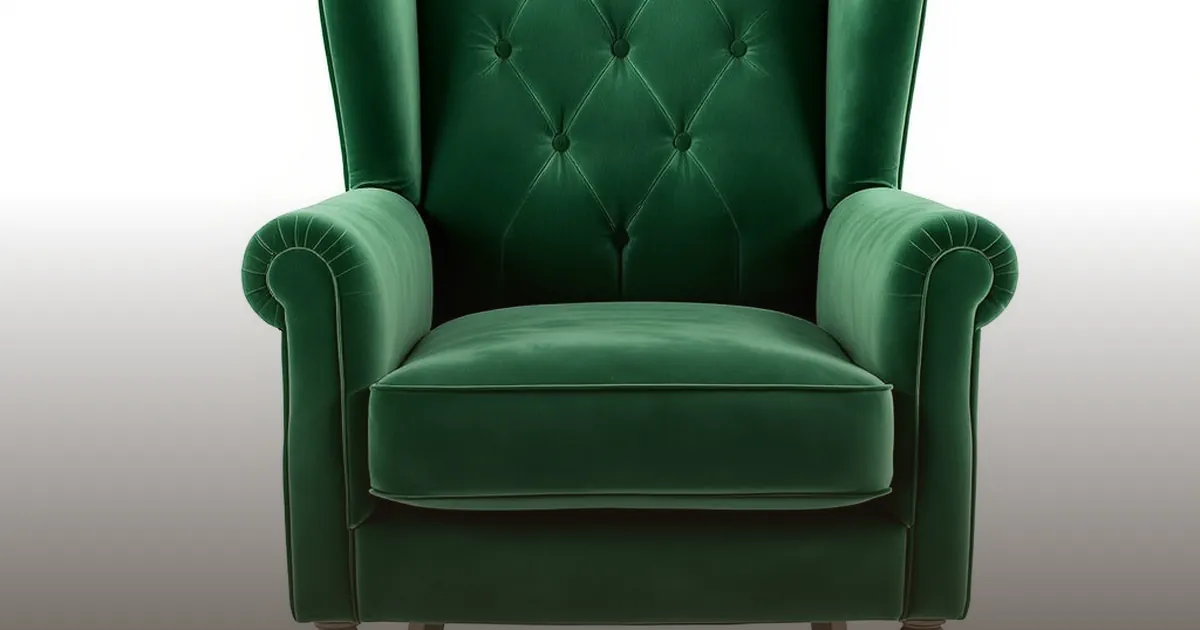
The two materials answer different complaints. Mesh wins on heat — after a summer afternoon, a leather seat holds warmth that mesh never accumulates — and on the "set it and forget it" factor, since there is no surface to condition or crack. Leather wins on the hours past six: the cushioned seat of the tufted executive chair from $295 stays comfortable into the evening in a way mesh's tensioned panel does not, and it dresses a home office that doubles as a client meeting room. If you run hot or share the chair across shifts, mesh; if you sit long, single, and late, leather. Both adjust to the same ergonomic targets — the material only decides the microclimate.
Once the chair is right, the monitor comes to you: top of the screen at or just below eye level, an arm's length away, directly in front of your nose rather than off to the side. Laptop users need a riser and a separate keyboard to hit both targets — a $40 fix that protects the $180 chair investment. Your knees, elbows and ankles should all rest near 90 degrees, and the tufted high-back executive chair from $295 gives you the deepest seat adjustment range for fine-tuning that triangle.
The best ergonomic feature of any chair is you standing up. Even perfect support stiffens over hours; the discs in your spine are fed by movement. Set a timer for every 45 minutes, stand, and let the chair reset. A swivel base — standard on every chair in our office collection — matters more than it looks: reaching and twisting for the printer is where strained backs actually start.
Feet flat, lumbar at the belt line, elbows at desk height, screen at eye level, and a stand-up break every 45 minutes. That is the whole system — and it costs less than one physical therapy copay. Start with the mesh ergonomic chair at $180 for breathability or the leather executive at $400 for all-day plush, and read our upholstery comparison if the material choice is the holdup.